The school day, in one place.
Academics in Education ERP runs the school day in one place: timetables, syllabus progress, homework and correction, reference material, gallery, circulars and daily notes. It is built around how a real school day runs.
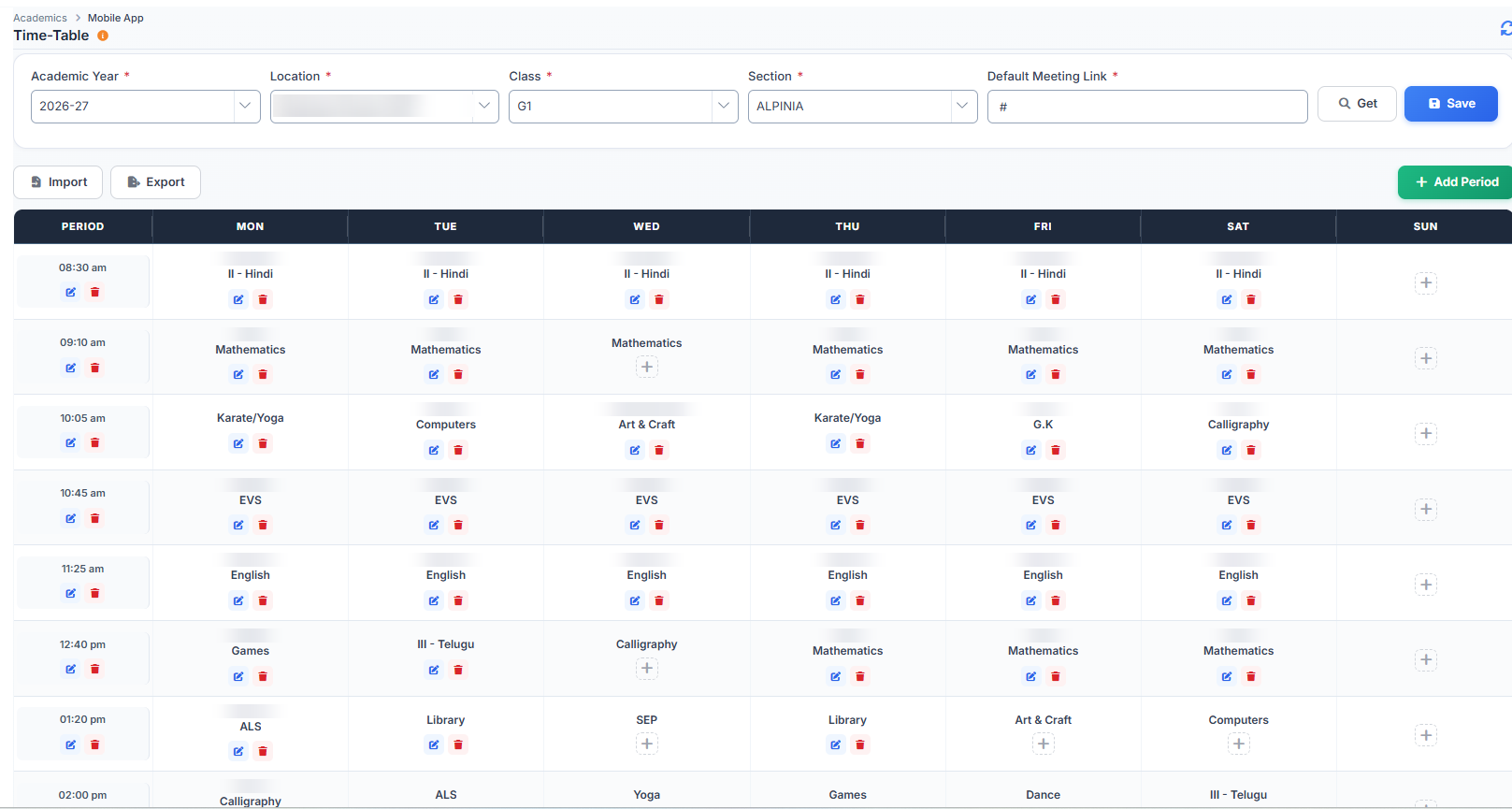
See what was actually taught.
Most timetables show what is supposed to happen. Education ERP also shows what did. Teachers tick off syllabus topics each period, and principals see which classes are behind.
- Build the timetable by class, section, subject, room and teacher, with clashes pointed out
- Mark the topic taught each period, by chapter, topic and sub-topic
- Planned against actual syllabus progress for principals and heads of department, by subject and teacher
- Timetables appear in the teacher, student and parent apps
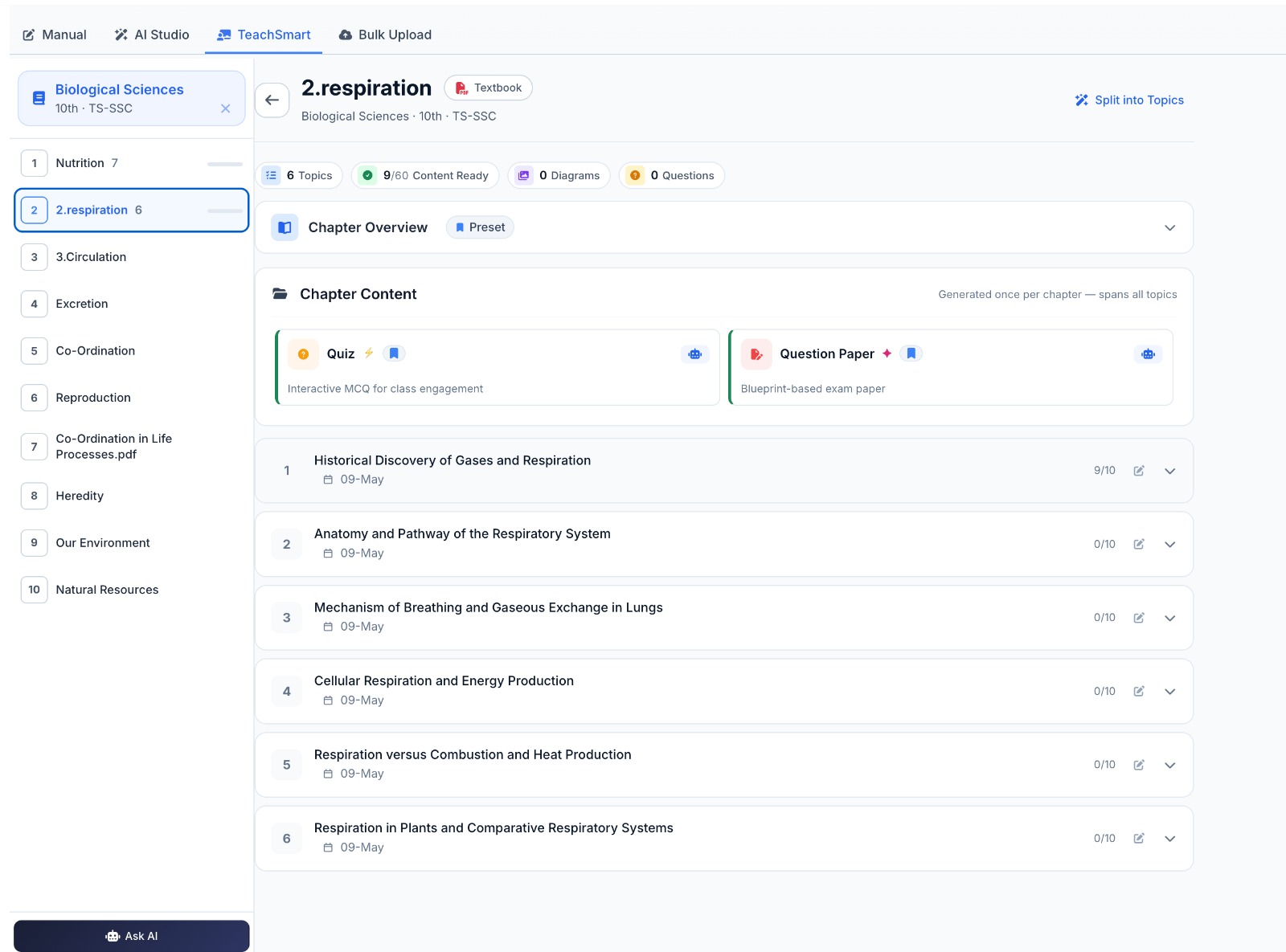
Set, submit and correct homework without paper.
Teachers no longer carry stacks of notebooks home. Students hand in work through the app, teachers mark it on screen, and scores are saved.
- Set homework for a class, section and subject, as text or with files attached
- Students hand in work on the app as a photo, a PDF or typed text
- Teachers mark on screen, add comments and scores, and can ask for the work to be redone
- Students get a notification on the app when homework is set
- A view of homework set and corrected, by teacher and class
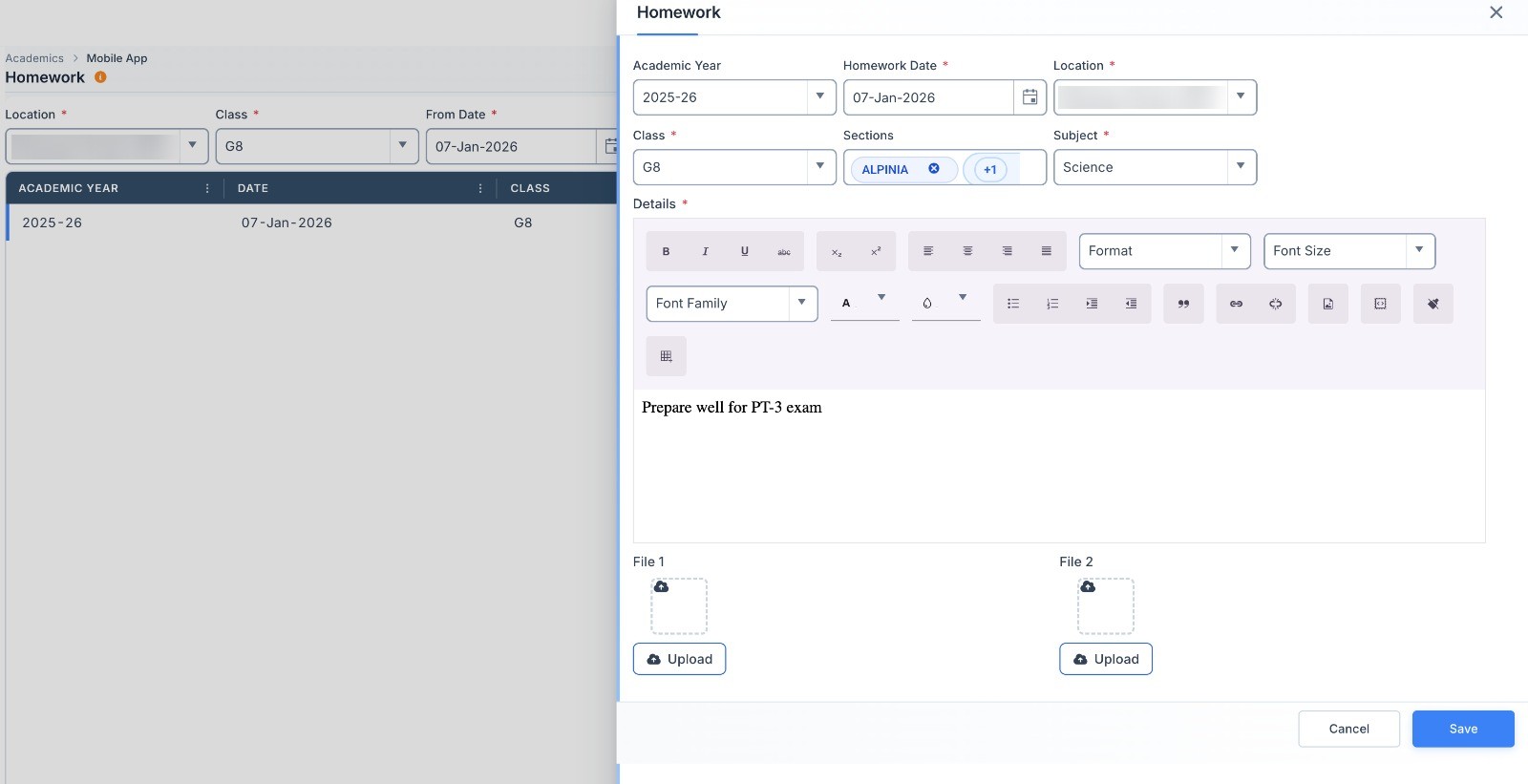
A place for everything else in the classroom.
Field trip photos, extra worksheets, class notices and a teacher's daily notes. Small things that keep a term running smoothly.
- Study material: a library for each subject with PDFs, slides, videos and links
- References: subject links your school has approved
- Gallery: event and activity photos shared on the student and parent app
- Daily log: a teacher's notes for each class on observations, behaviour and follow-ups
- Circulars: class or school-wide notices, with an app notification if you want one
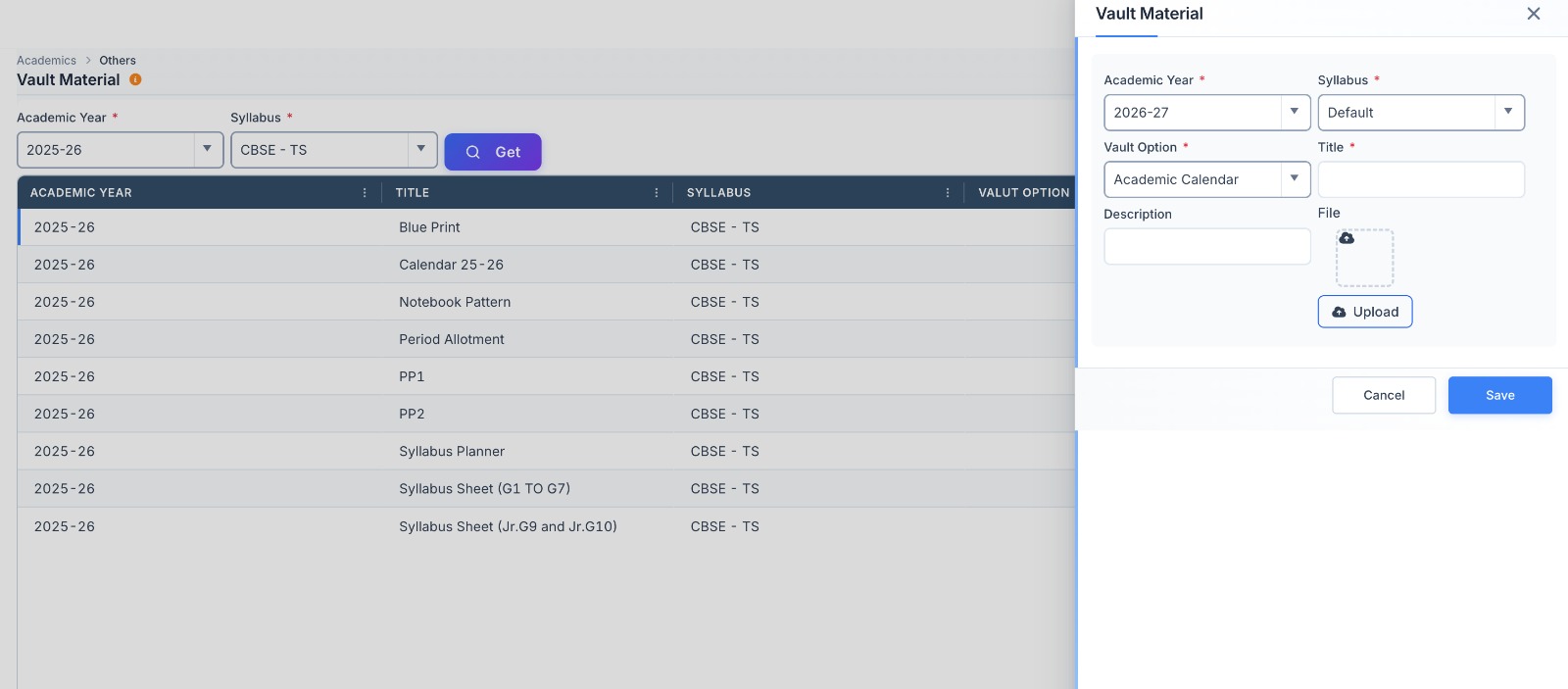
Academics links to everything else.
→ TeachSmartAI
Create lesson plans and worksheets for a topic. Explore TeachSmartAI
→ SkoraAI
Chapter results from papers marked by SkoraAI sit beside syllabus progress, so you can see which taught chapters students did not understand. Explore SkoraAI
→ Mobile Apps
Timetable, homework, gallery and circulars reach parents and students as soon as they are shared. See the apps
Questions about academics.
How does Education ERP show syllabus progress?
Can students hand in homework on the app?
Move your classroom work online without disrupting it.
A 30-minute walkthrough of how your timetable, homework and circulars would look in Education ERP.