From job opening to first payslip, in one place.
Recruiting in Digiclove HRMS takes a role from an approved job opening to the new employee’s first payslip. Job openings, candidates, interview rounds, referrals, offers and onboarding sit in one place, and they stay organised through interview season.
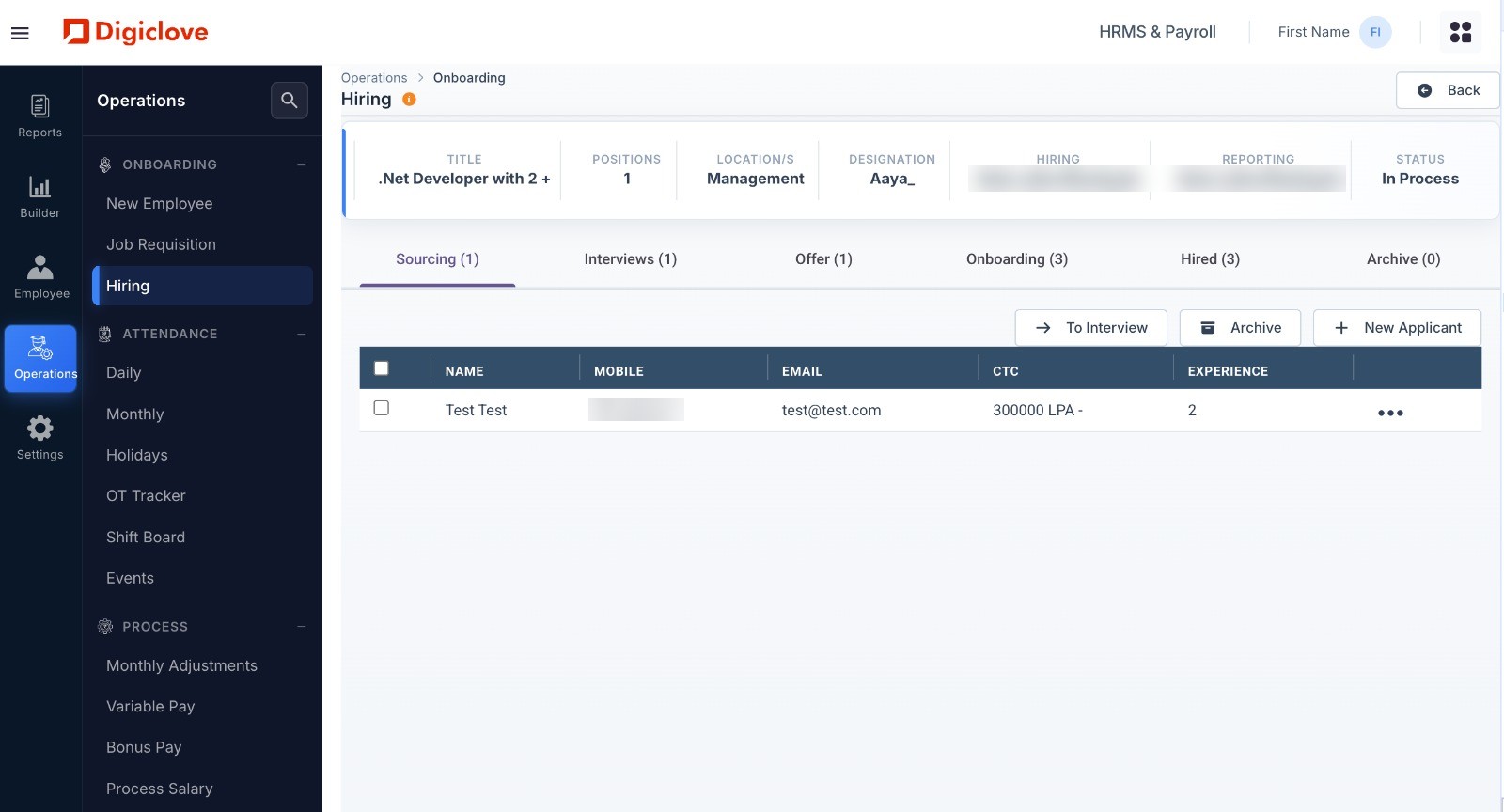
Approve a role once. Follow everything that comes after.
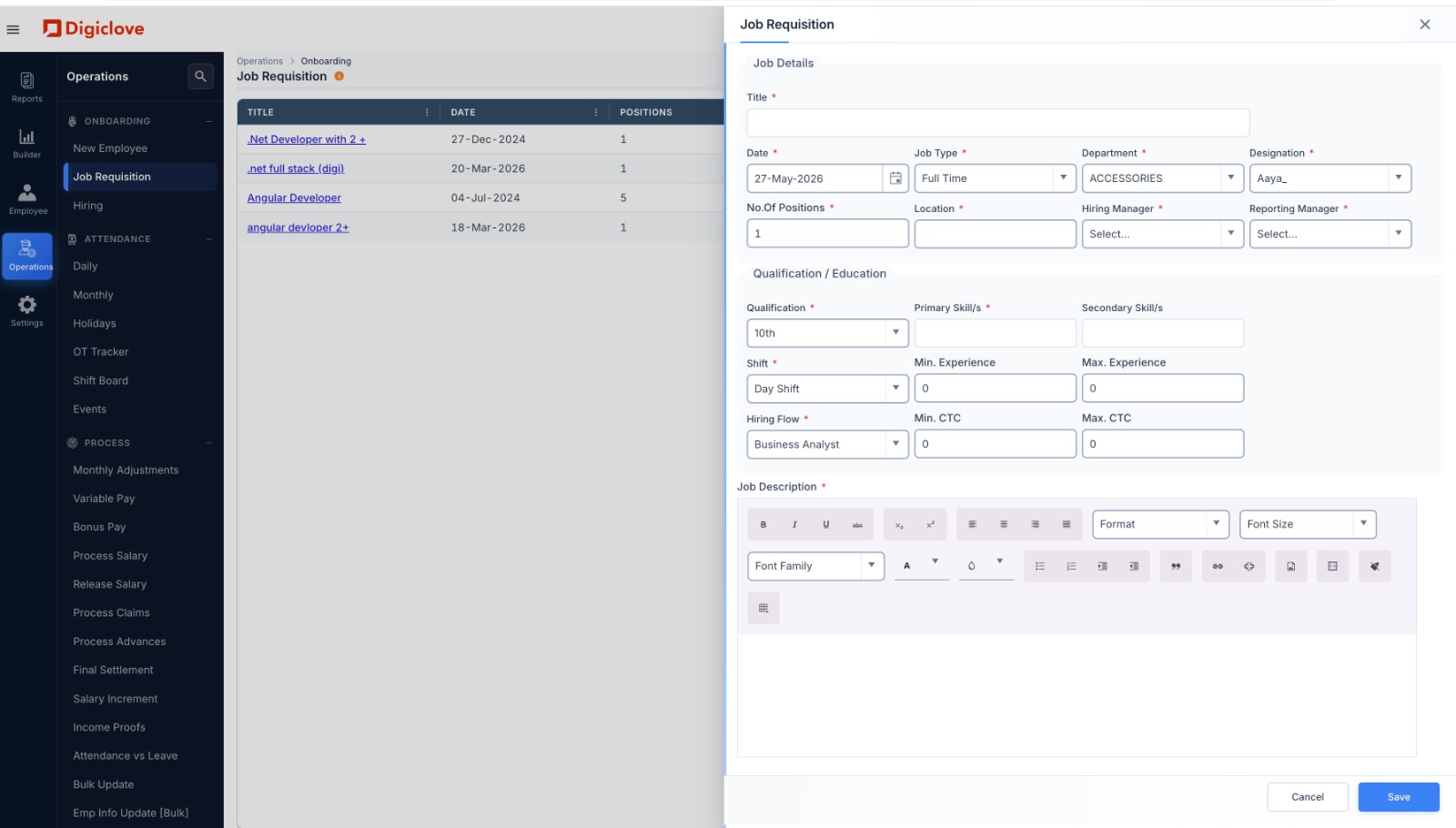
Hiring often goes wrong with one question: “Did anyone approve this role?” Digiclove links every candidate to an approved opening. Finance knows what is coming, HR knows the budget, and managers know who has been signed off.
- Job openings with department, designation, number of posts, CTC range, hiring manager and approval
- Your own hiring stages (for example screening, technical, HR, offer), chosen for each opening
- Interviews with interviewer, mode and meeting link, plus scores, strengths and remarks for each round
- Offers with a salary structure and CTC breakdown, sent for approval, with acceptance tracked
- Where each applicant came from: referral, job portal or direct
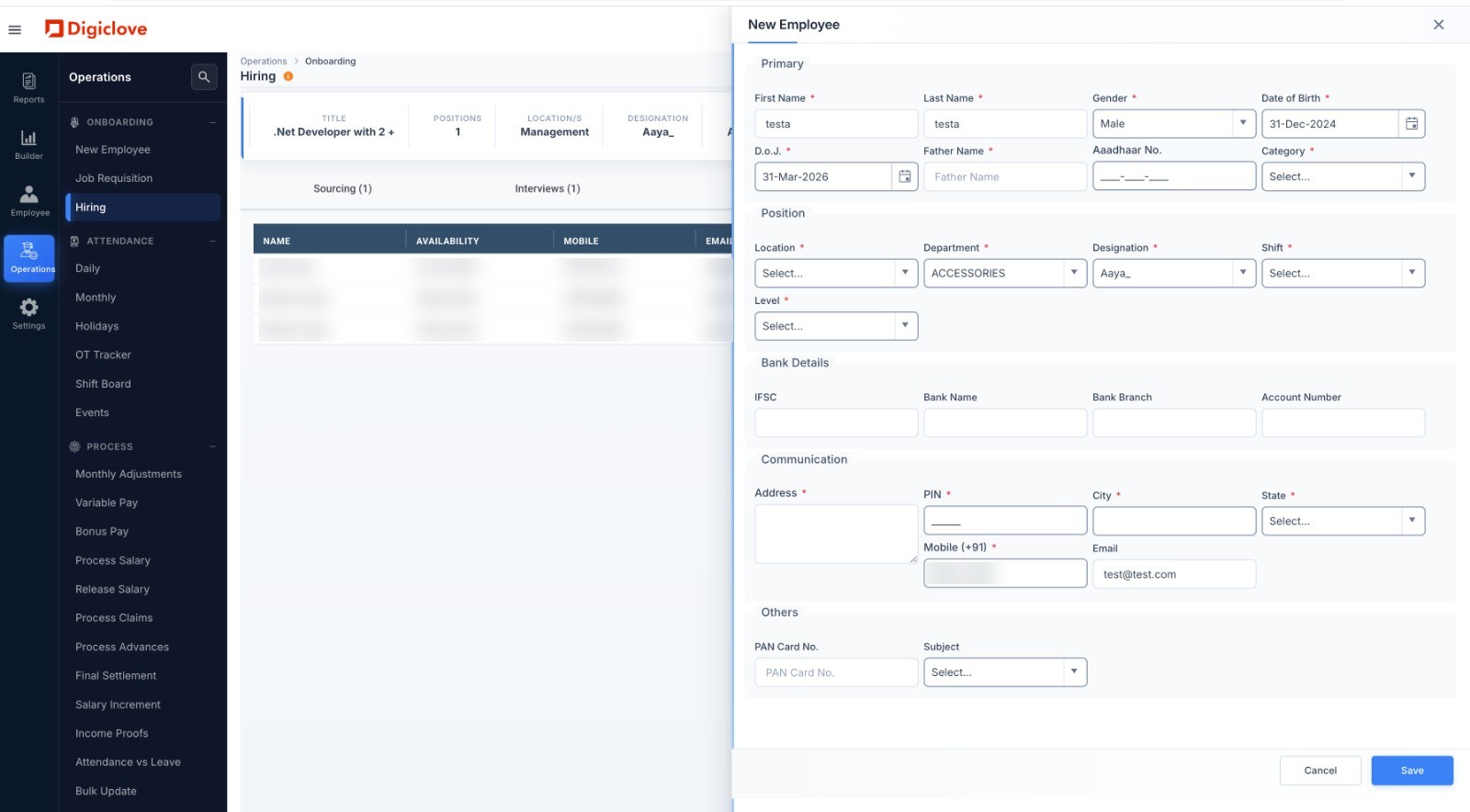
From accepted offer to employee record, without typing it twice.
When an offer is accepted, the candidate becomes an employee. Position, salary structure and PF and ESI details come across from the offer, so payroll and attendance include them from the first day.
- Referrals: staff refer candidates themselves, and the referrer is recorded
- Interviewers enter feedback and scores on their own screen
- New employee form: personal, position, bank, contact and statutory details
- Upload applicants and employee updates in bulk
- The offered salary structure carries straight into payroll
Recruiting questions.
Is every candidate linked to an approved job opening?
What happens when a candidate accepts an offer?
Run your next hiring season on Digiclove.
Set up job openings, follow candidates through your own stages, and move new hires into payroll without typing their details again.