05 — Classroom App
TeachSmartAI on the classroom screen, from the timetable to the board.
The Classroom App shows TeachSmartAI lessons on the screens teachers actually teach from: laptops, desktops and large classroom TVs. It opens on today’s timetable, and each period’s lesson is one tap away from full screen.
✓ Installs from the browser, no app store
✓ Same login as Digiclove
✓ Updates itself
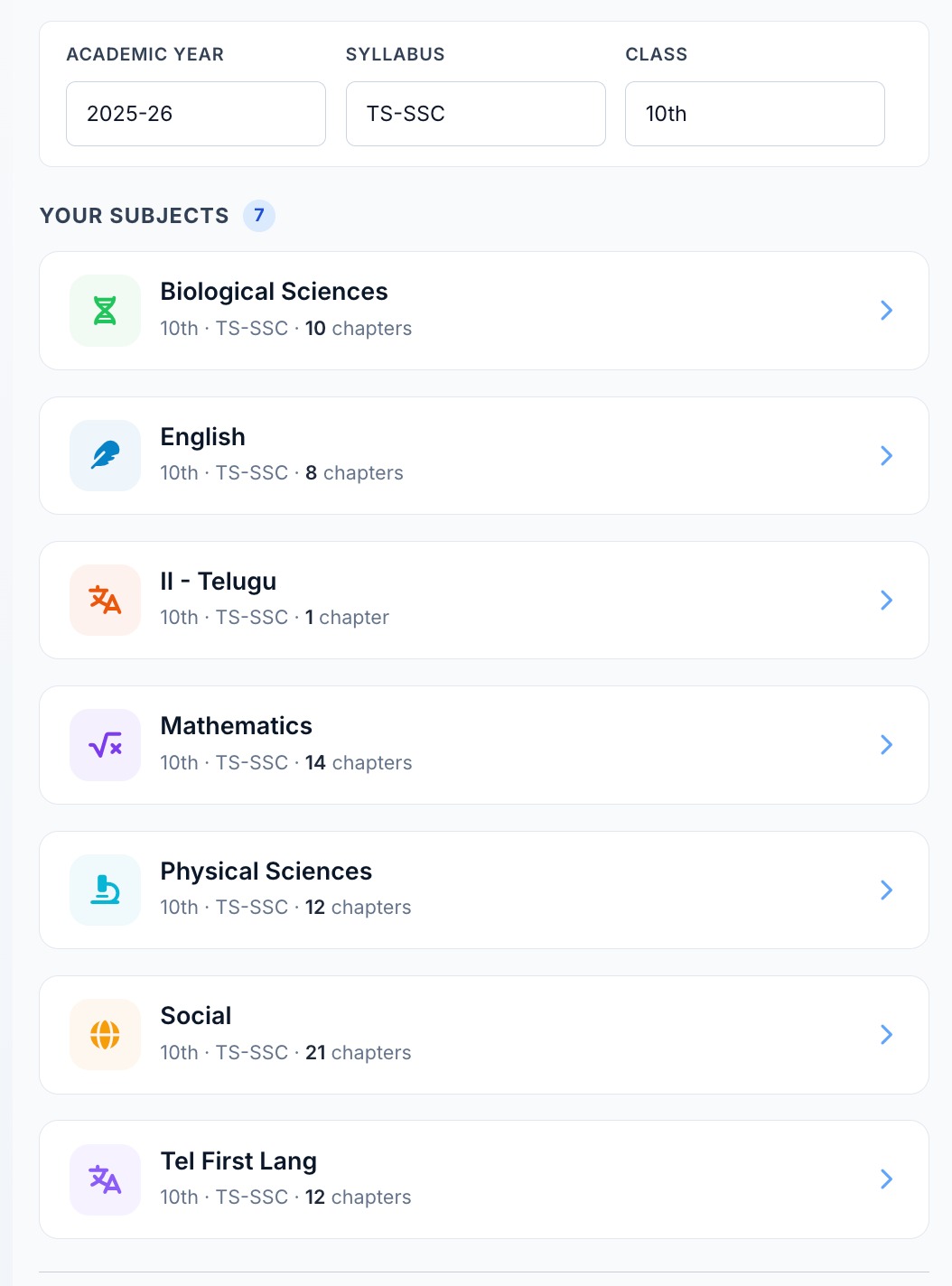
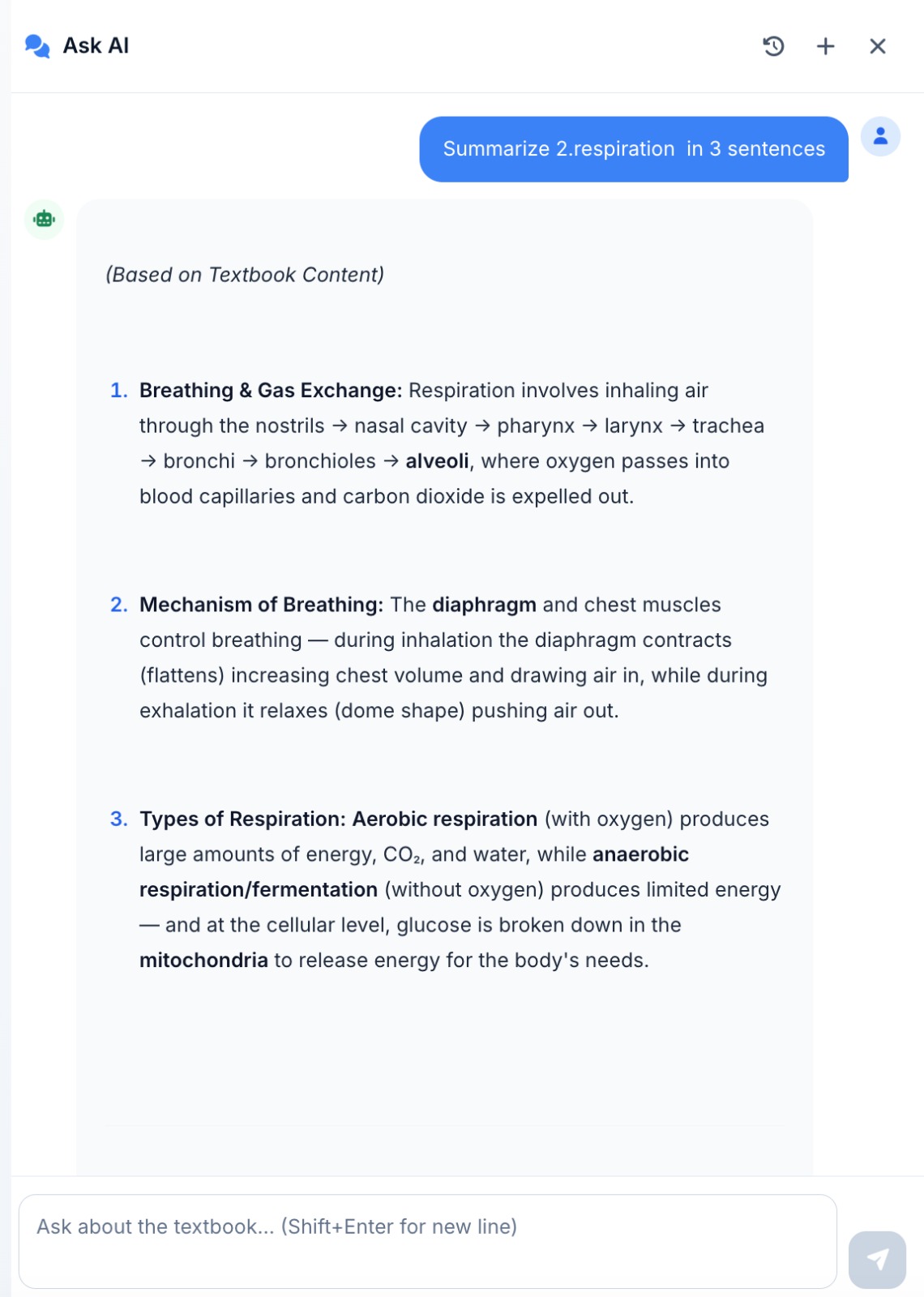
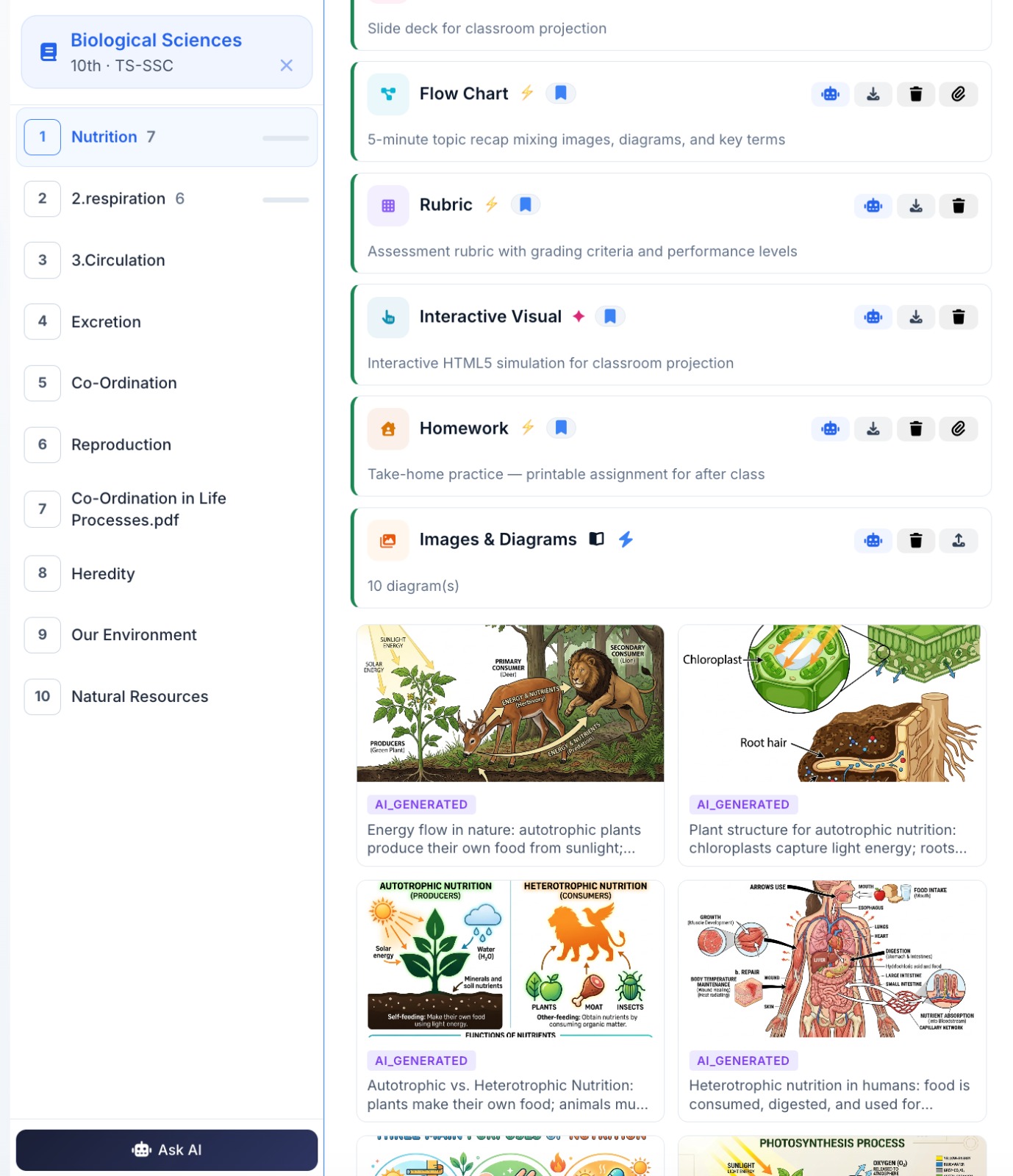
Timetable · Classroom Board · Studio
Built around the teacher’s day.
The Classroom App keeps to what a teacher needs around each period: what am I teaching next, show it to the class, and prepare the next chapter.
- Home: today’s timetable, with the lesson for each period ready to open
- Classroom Board: the lesson on the full screen, with next and previous buttons and a size setting so the back row can read it
- Browse lessons: every lesson plan, slide deck, flow chart and worksheet by class, subject and chapter
- Studio: upload textbook chapters and create material
- Question papers, Vault and Topic Track: the same paper formats, materials and syllabus tracker as the Education ERP
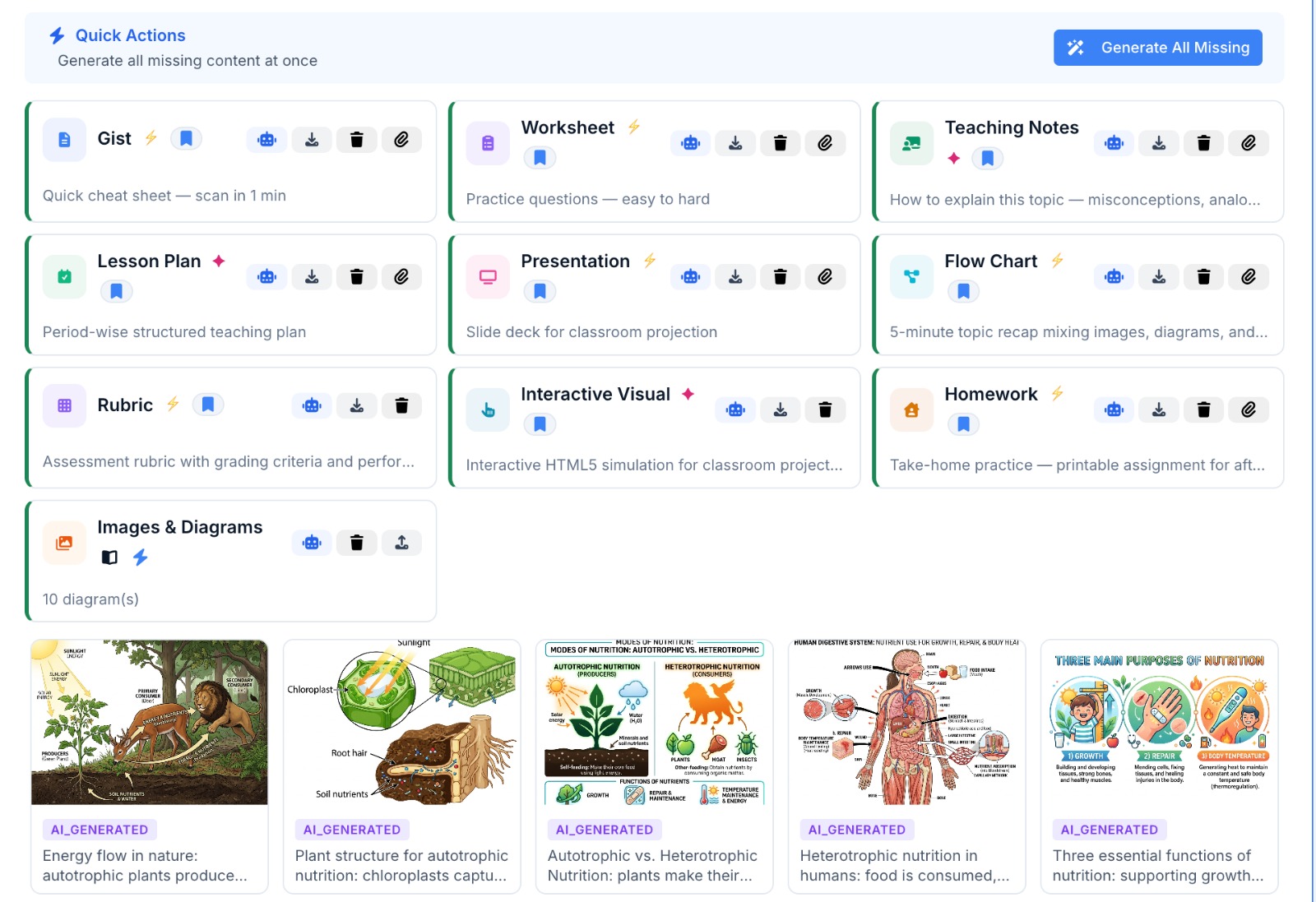
Made for big screens
From a 13-inch laptop to a 75-inch classroom TV.
Open the Classroom App in the browser, install it once, and it works like any desktop app. It is designed for wide screens, so a lesson looks the same on the teacher’s laptop and on the TV at the front of the room.
- Installs from the Chrome or Edge browser, with no app store
- Signs in with the teacher’s existing Digiclove account and permissions
- Updates itself, so teachers never use an old version
- Uses the same screens as the Digiclove web app, so improvements reach both
Continue exploring
Other TeachSmartAI capabilities.
Frequently asked
Classroom App questions teachers ask first.
Do we need to install anything on the classroom PC or TV?
Only an up-to-date browser is needed. Open the Classroom App in Chrome or Edge and choose Install, and from then on it opens in its own window like any desktop app. A classroom TV connected to a PC or laptop works the same way, so the lesson shows on the big screen.
Is there a TeachSmartAI phone app?
No, the Classroom App is made for wide screens such as laptops, desktops and classroom TVs. For phones, the Digiclove Education ERP has its own apps for teachers, students and parents. Teachers sign in to the Classroom App with their existing Digiclove account, so there is no separate login.
Put TeachSmartAI on every classroom screen.
We’ll set it up on one classroom’s screen with one of your own chapters, so your teachers can see a real lesson on the board.