Mark once. Parents are told straight away.
Attendance in Education ERP records student and staff attendance in one place and tells parents about absences straight away. A teacher marks the class register, a student uses the biometric device, or the bus attendant marks a pickup. Every entry goes into one attendance record that feeds parent alerts, payroll and reports.
Use the method that works for your school.
There is no point installing eight biometric machines if half stop working within a month. Choose what suits each gate, classroom and bus. All of them feed the same attendance record.
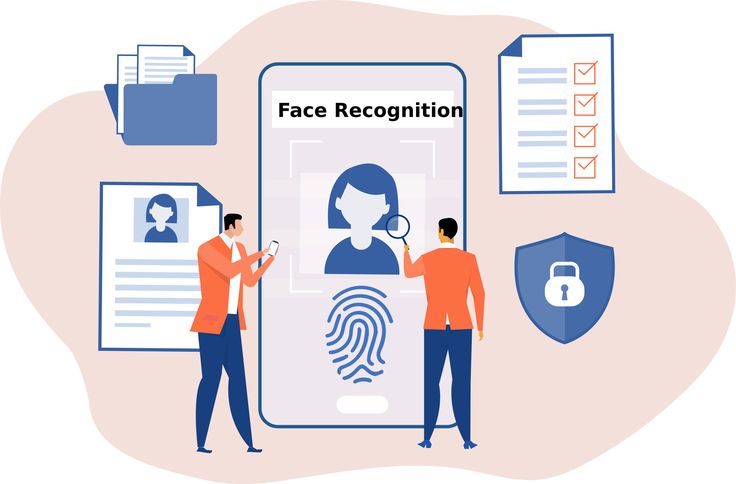
- Biometric: attendance picked up from your device software (for example eSSL eTimeTrack, SmartOffice) at regular times
- Access card: each student's card is linked to their profile and matched to device entries
- Transport: pickup and drop marked on each route, with live bus location
- Phone: staff check in from the employee app, with their location recorded
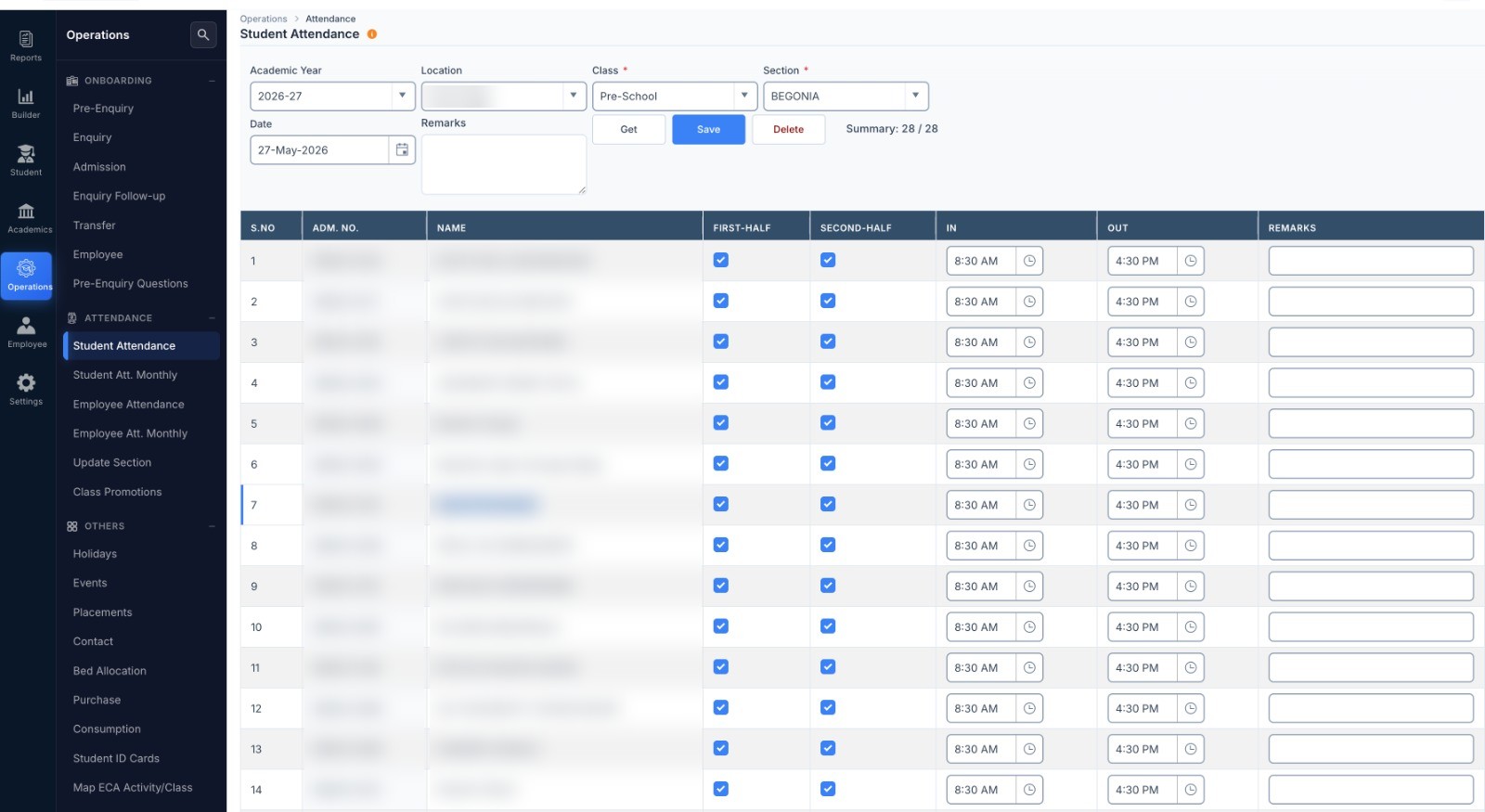
- On-screen register: where there is no device, the class teacher marks first and second half, with in and out times
Attendance leads to action.
An attendance list on its own does little. Education ERP turns it into action: alerts to parents, gate-pass tracking, staff attendance for payroll, and lists of students to follow up.
- When attendance is saved, choose to alert absent students' parents by SMS or app notification
- Late arrival and early leaving reports where devices are used
- Students who are often absent, and attendance trends by class and branch
- Teacher attendance goes straight to HRMS & Payroll for monthly salary
- Gate passes: students leave with a reason and are checked back in, and late returns are shown
See today, and see the trend.
Today at a glance
Today's attendance by branch and class, classes not yet marked, and students absent several days in a row.
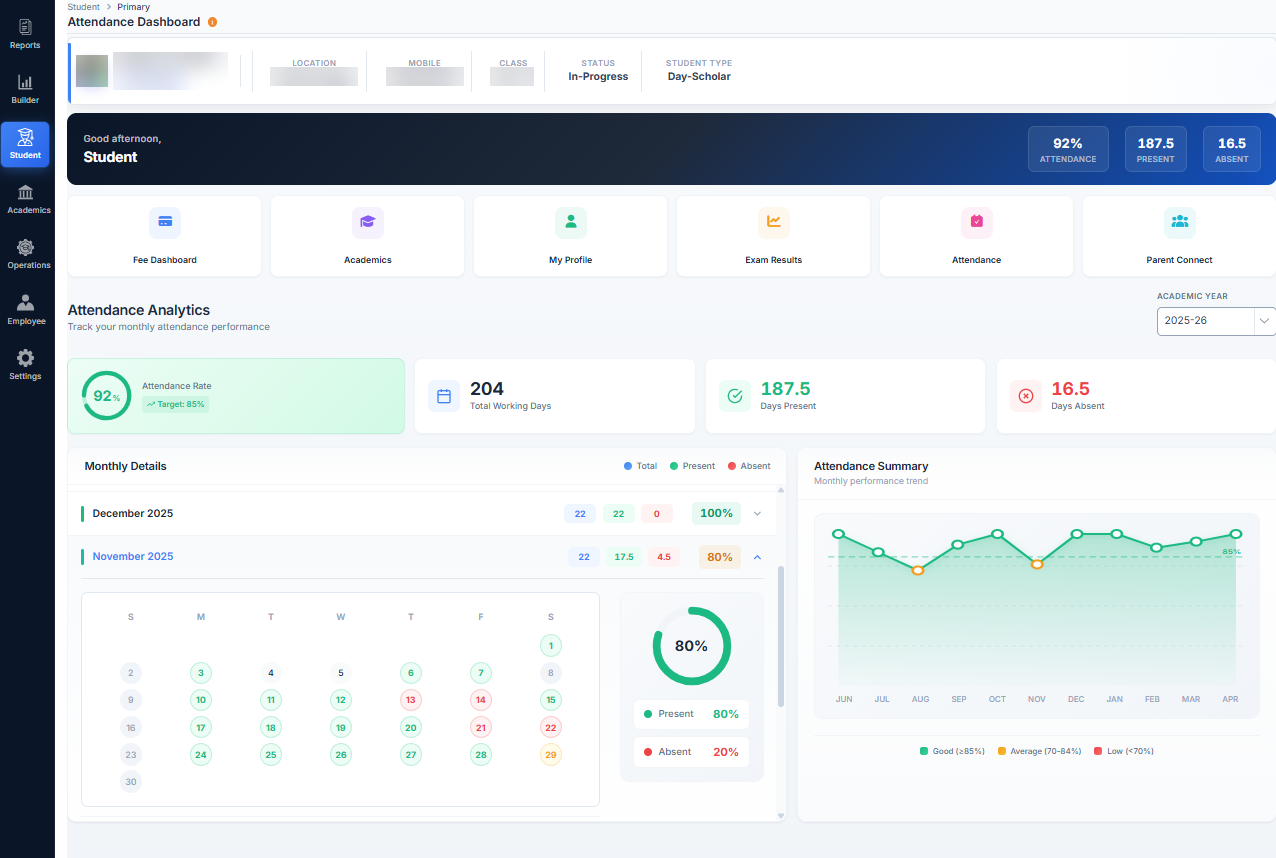
Monthly view & frequent absence
A month-by-month colour chart and the students whose attendance keeps falling, before it affects their marks.
Monthly register & timeliness
The monthly attendance register, and which teachers marked attendance on time.
Other parts of Education ERP.
Questions about attendance.
Can we use our existing biometric devices?
How are parents told when a student is absent?
Connect your existing biometric devices when you start.
Already have biometric devices? We pick up attendance from their software. Tell us your device and we will confirm before you sign.