Nine kinds of request. One approval list.
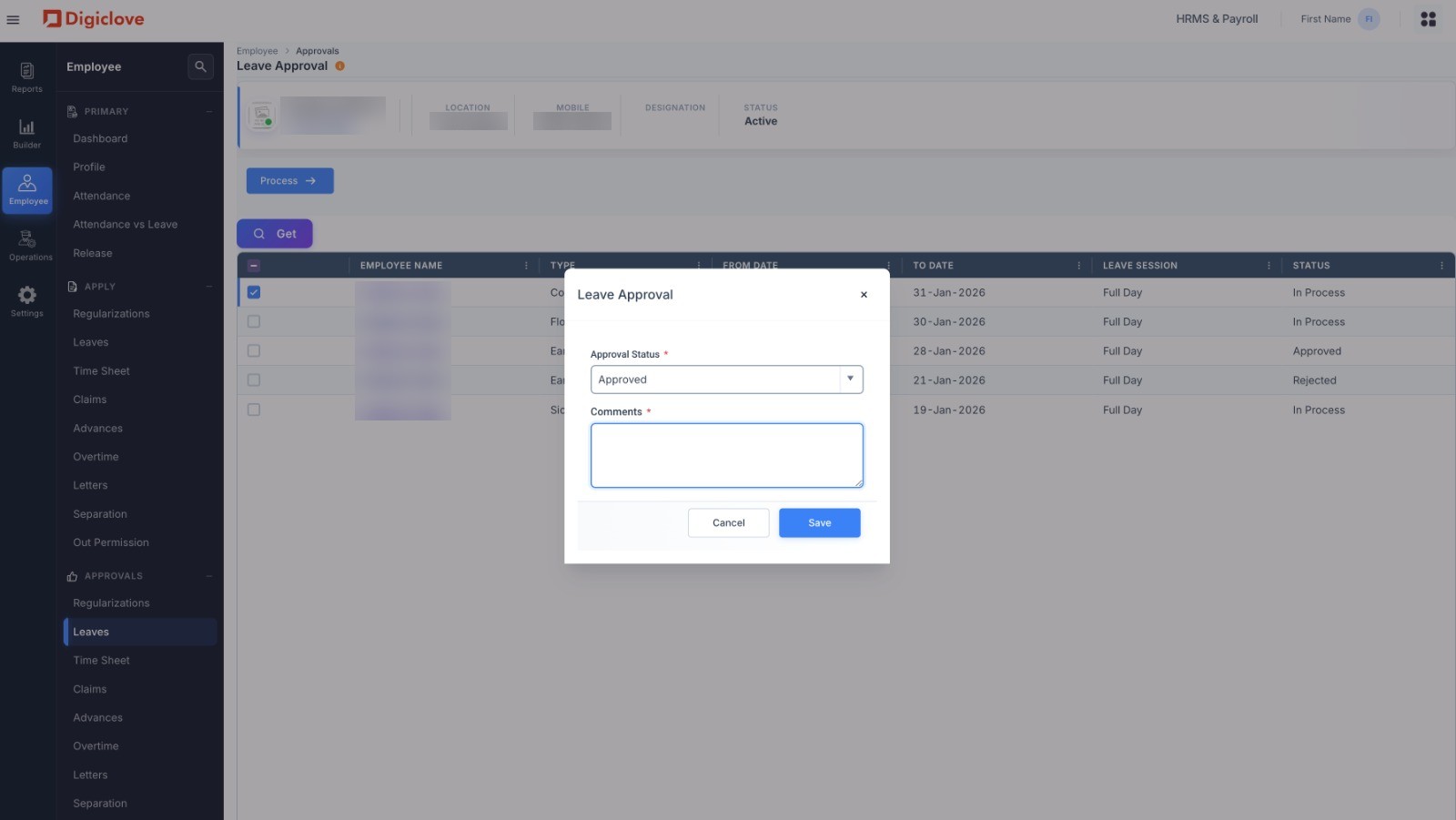
Leaves & Approvals is where employees ask for leave and eight other kinds of request, and managers approve them from one list. Leave, claims, advances, overtime, timesheets, attendance corrections, letters, resignations and short permissions all work the same way, and every step is recorded.
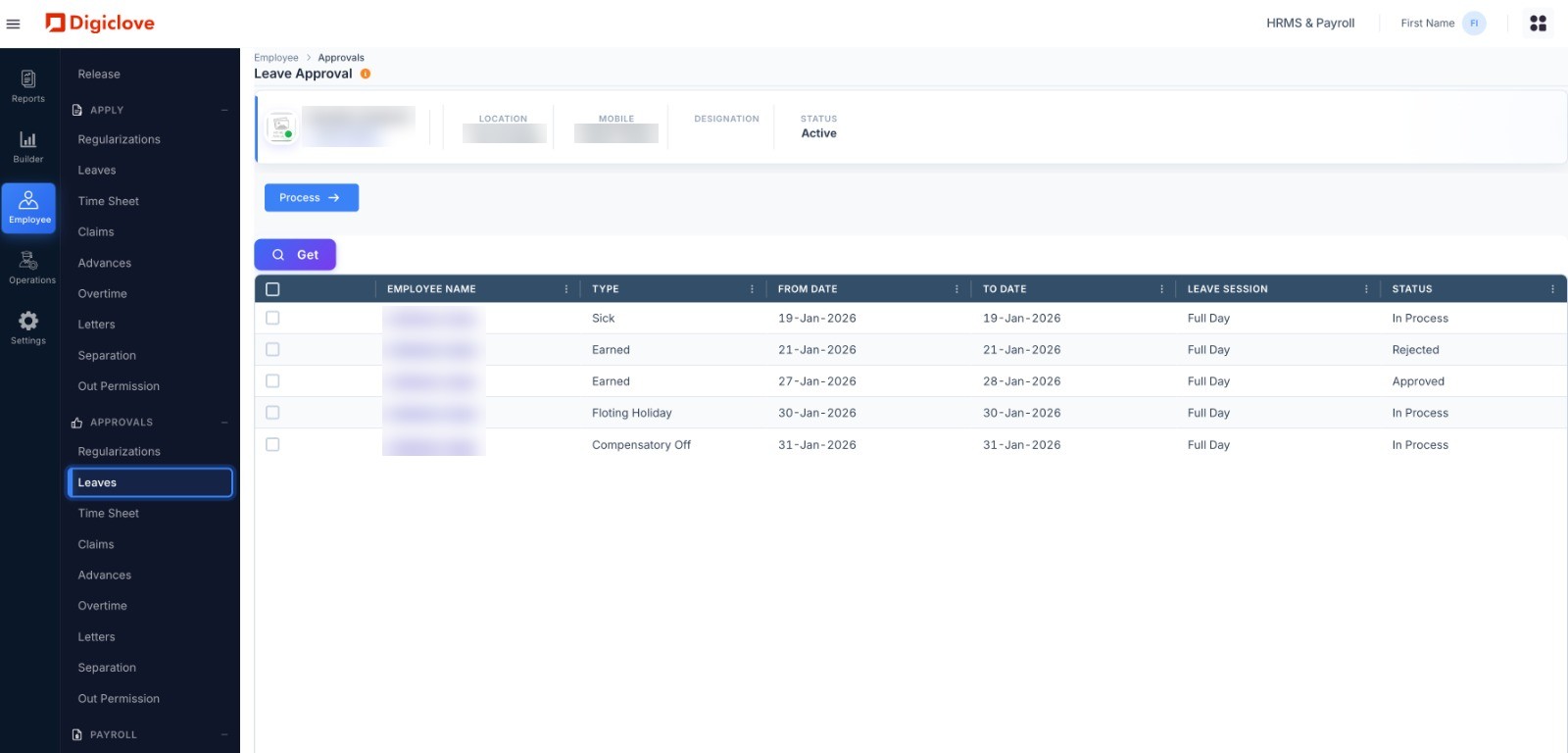
Set your leave policy once. It applies to everyone.
Earned, casual, sick, comp-off, half-day and loss of pay. Set the rules for each leave type and employee group once. Digiclove credits, expires and deducts leave every month.
- Leave setup: leave types by employee group, monthly credits, expiry and maximum limits
- Apply: on the web or the app, with the balance shown before submitting
- Approve: on the app or the web, with up to three levels of approval
- Comp-off credited for weekend or holiday work, with expiry rules
- Loss of pay worked out when the balance runs short, and passed to payroll
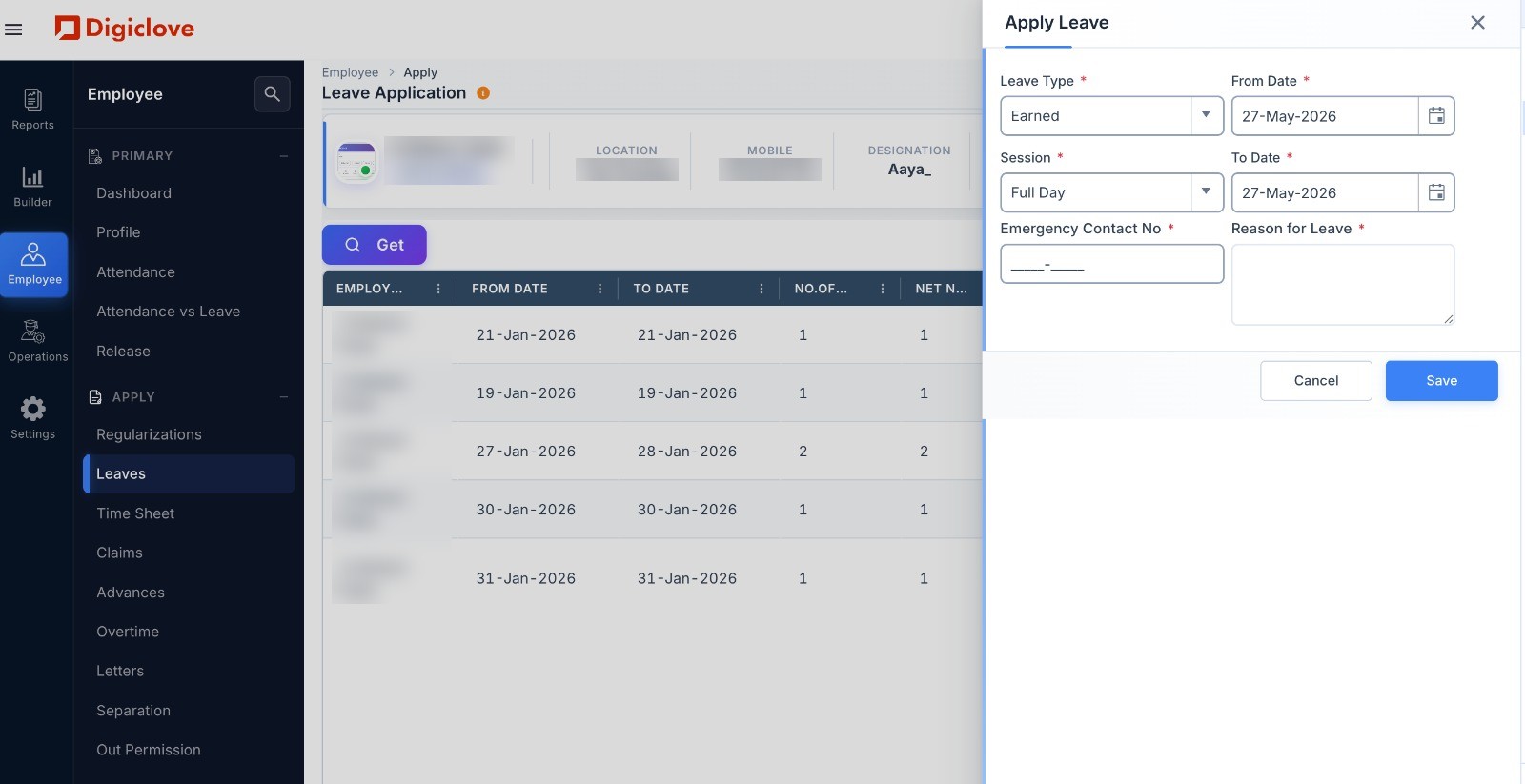
Eight more requests that work the same way.
Once your team knows how to apply for leave, they know how to do the rest: claims, advances, overtime, letters, resignation, short permissions, timesheets and attendance corrections. Less training and fewer mistakes.
- Claims: expense claims with the bill attached, limits by employee level, paid with salary
- Advances: salary advance with an instalment plan, recovered from monthly salary
- Overtime: overtime request with rate and manager approval, paid with salary
- Letters: employees ask for experience, salary or address letters, and HR sends them to the app
- Resignation: approval, last working day, and final settlement with leave encashment and gratuity
- Short permission: brief time out of the office for work, kept apart from leave
Leave questions.
Which leave types can we set up?
What happens when an employee runs out of leave?
Move HR requests off email and Excel.
One approval list, a record of every step, and payroll connected from the first day.