06 — Mobile App
An HR app your staff will actually use.
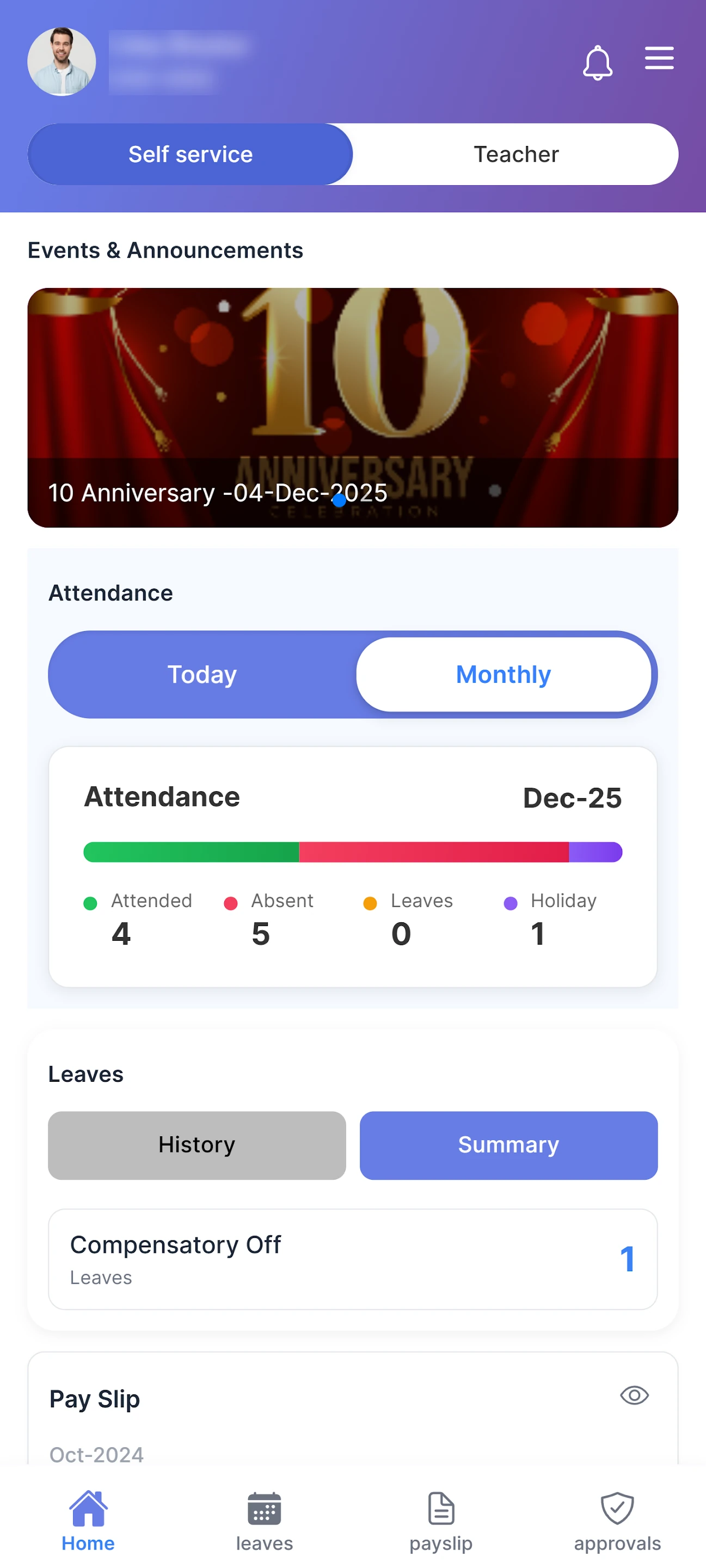
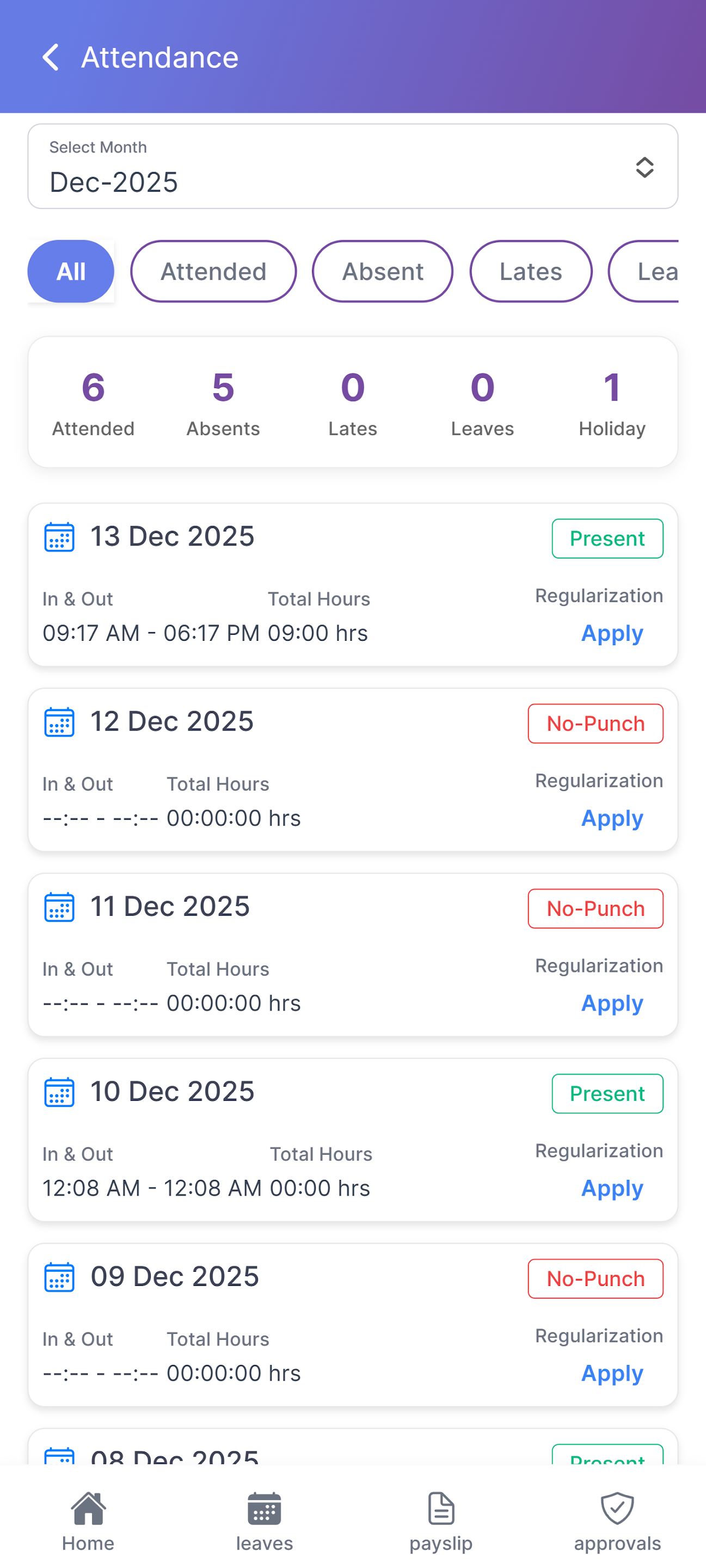
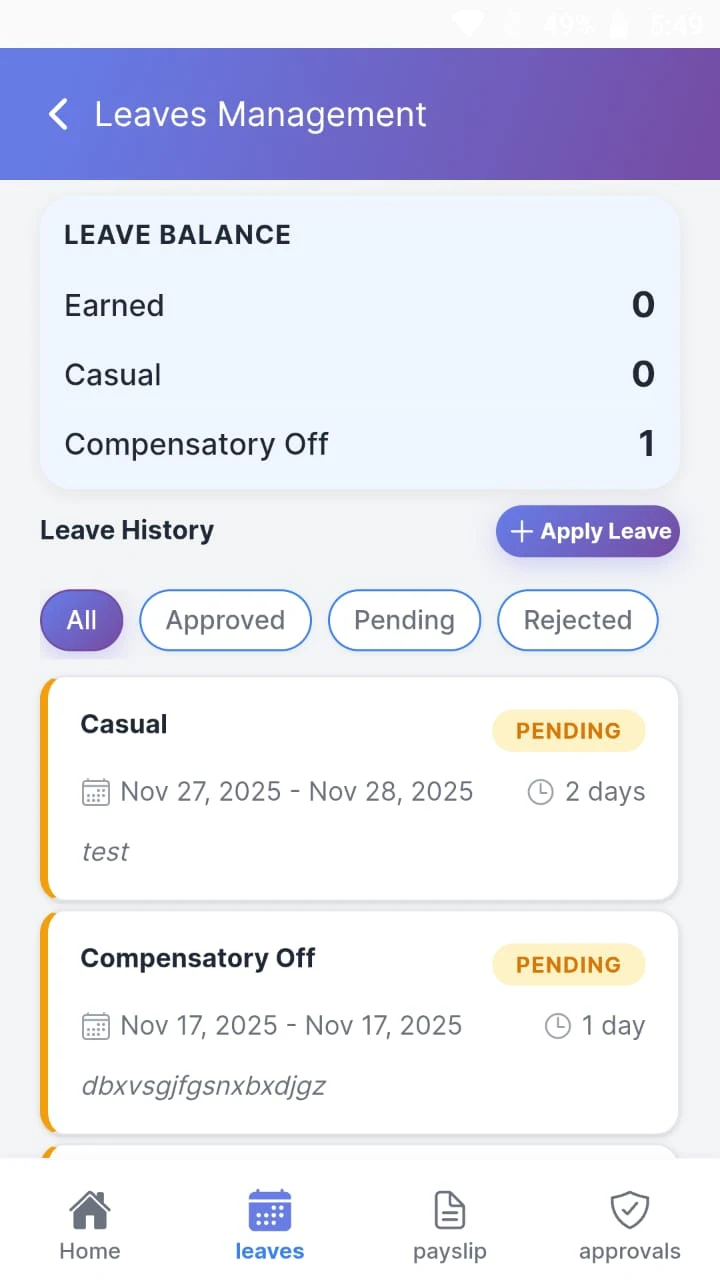
The Digiclove HR app is an employee self-service app for iPhone and Android. Every employee can apply for leave, check in with a selfie, see payslips, submit claims and declare investments, and managers approve their team’s requests from anywhere.
✓ iPhone · Android · web
✓ Selfie check-in
✓ Approvals from anywhere
Two roles, one app
HR self-service and teacher tools in the same app.
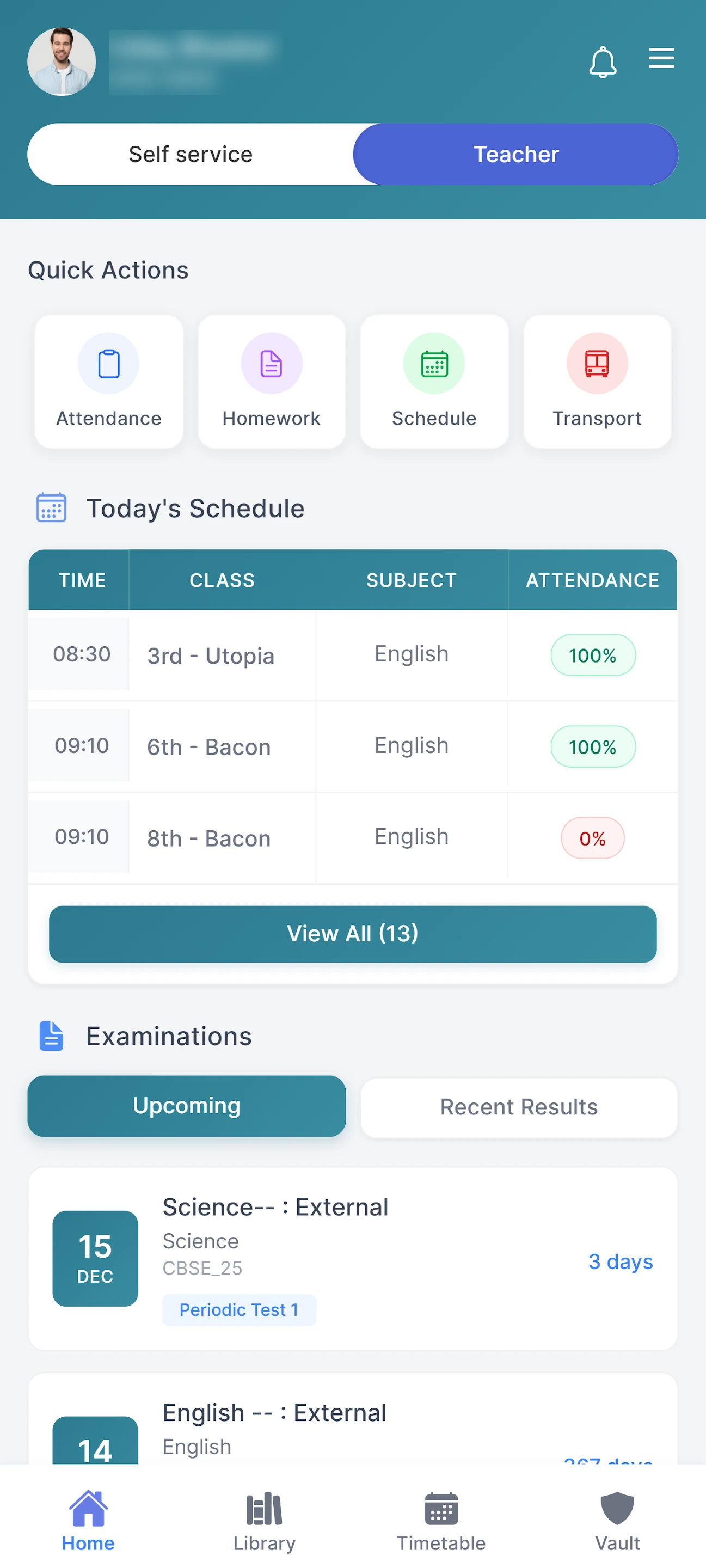
For schools, the same app also serves teachers in class: timetable, homework, attendance and marks entry, next to their HR self-service. Each person sees only what they need.
- Employee view: home, attendance, leave, payslips, claims and approvals
- Teacher view: timetable, homework, subject material, attendance entry and marks entry
- Staff who do both switch between views from the home screen
- Each view has its own home screen and main actions
- Staff install one app instead of two
Self-service · Approvals · Tax
The screens employees open most.
Many HR apps are forgotten after the first week. Digiclove’s app is built around the reasons people open an HR app: payslip, leave balance, attendance, claim status and tax declaration.
- Payslip for every month, with each component shown
- Apply and approve in one place: leave, claims, advances, overtime and attendance corrections
- Selfie check-in, after a one-time face registration
- Tax declaration: choose the regime and declare investments for the year
- Claims with bill details, and requests to HR for help
- Letters: request experience, salary or address-proof letters and receive them in the app
Frequently asked
Employee app questions.
Can teachers use the same app for classroom work?
Yes. For schools, the same app serves teachers in class, with timetable, homework, subject material, attendance entry and marks entry beside their HR self-service. Staff who do both switch views from the home screen, so they install one app instead of two.
Can managers approve requests from the app?
Yes. Managers approve leave, claims, advances, overtime and attendance corrections from the app, wherever they are. Employees make the same requests in one place and can see where each one stands, so nobody has to chase HR by email or phone.
Give your staff an HR app they will use.
On the App Store and Play Store, and free during onboarding.