One place for every parent message and every parent conversation.
Parent & Communication in Education ERP sends every school message and records every parent conversation in one place. Send a circular once and it reaches the parent app as a notification. Absence alerts go out by SMS or app as soon as attendance is saved. Every call, meeting and concern is recorded with the student's details.
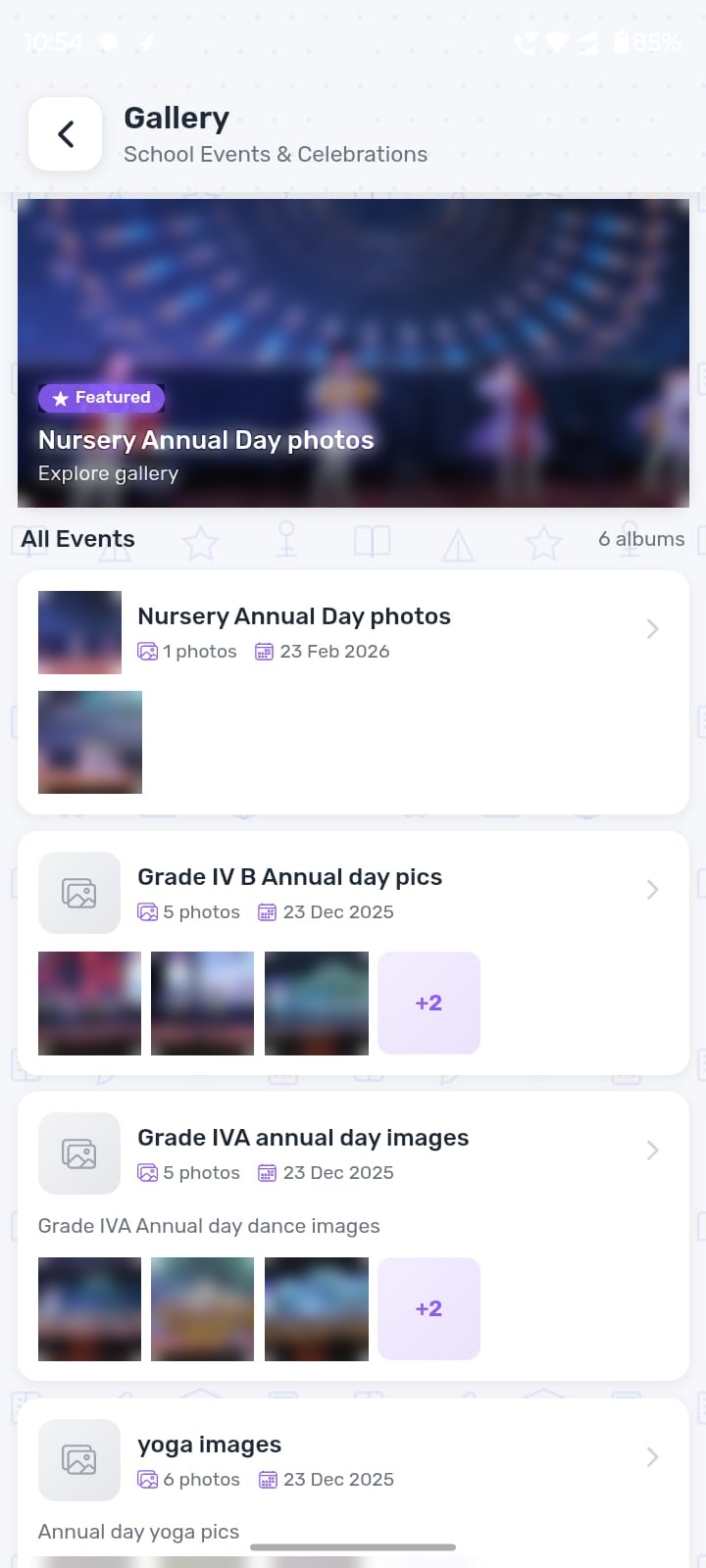
Write once. Reach parents on the app they open.
Choose who should get it, write the message and tick “send notification”. Circulars, homework, holidays and events reach the student and parent app. Parents of absent students are told as soon as attendance is saved.
- Send to a branch, class or section, or to staff
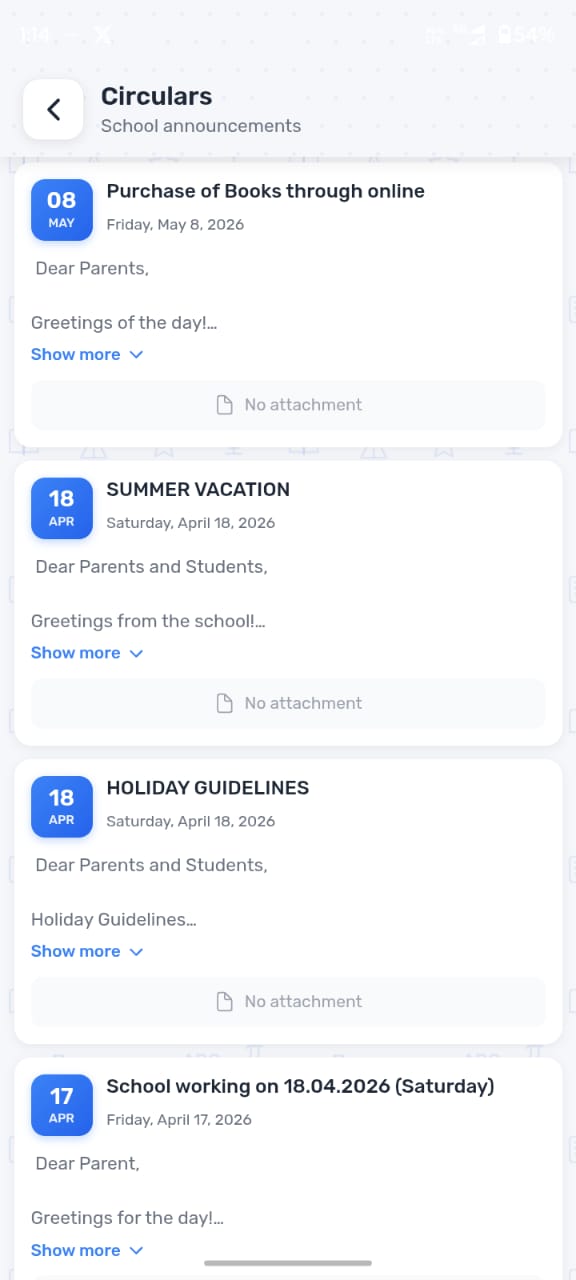
- App notifications, SMS and WhatsApp, plus circulars in the app
- Ready-made messages for routine alerts, sent in one tap
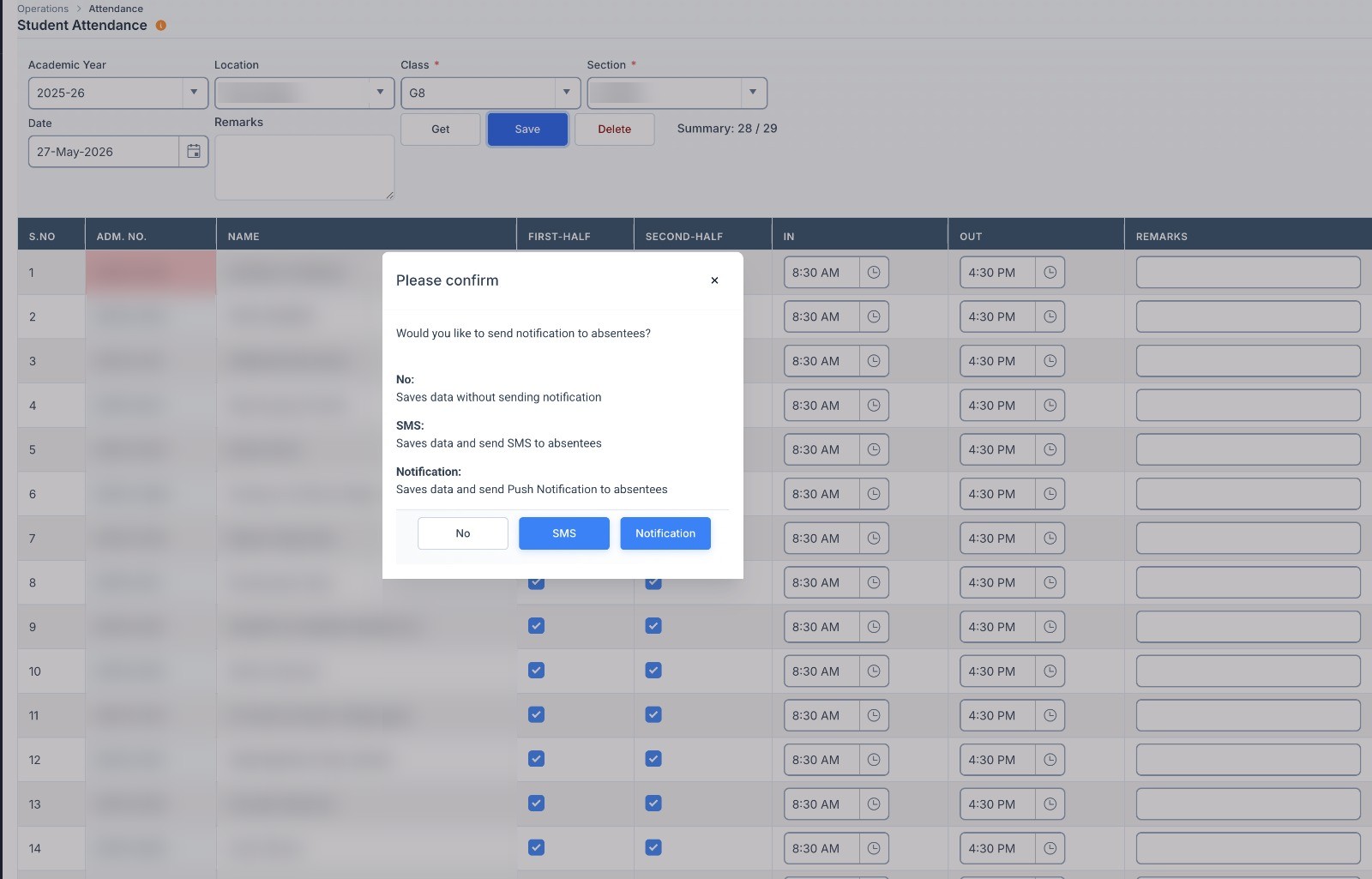
- Absence alerts from the attendance screen: choose no alert, SMS or app notification when you save
- A report of what was sent, by whom and to how many families, and how many of them have the app
Keep a record of every parent conversation.
Disagreements happen. Every call, meeting and complaint is recorded with the student's details, with the date, notes and follow-up.
- Circulars: school-wide notices, class alerts and fee reminders from one screen
- Parent conversations: record every call, meeting and complaint with notes and a follow-up date
- Student concerns: teachers raise behaviour or study concerns and follow them until resolved
- See which families the school has and has not spoken to this term
One app for every family.
Parents and students use the same app, on iPhone and Android.
- iPhone and Android apps
- One login per family — parents switch between siblings in the app
- Notifications on Android phones and iPhones
The channels parents use.
Other parts of Education ERP.
Questions about parent communication.
How do circulars reach parents?
Can we keep a record of parent conversations?
Get the parent app running in 2 weeks.
The apps are on the App Store and Google Play. Free when you start.