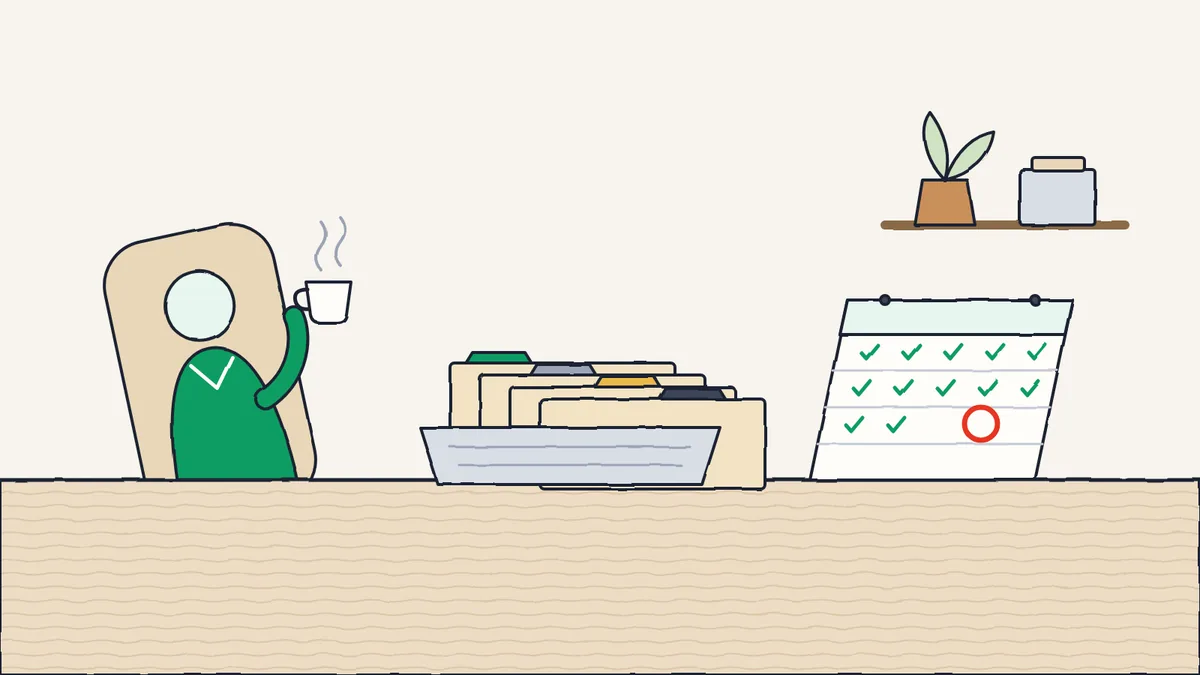
Every HR team in India knows the monthly rush. A reminder pops up on the 5th: two days to deposit TDS, with PF, ESI and PT close behind. The accountant is on call. The payroll spreadsheet is open in three tabs. Everyone hopes the return files pass the checks.
This happens because the system that paid last month’s salaries does not also prepare the filings that follow from them. Two halves of one job sit in different tools, and a person keeps them in step under deadline pressure. That is the part to fix.
- Payroll approvedThe month's salaries are final
- Amounts worked outPF, ESI, PT and TDS for each employee
- Files ready to uploadPF, ESI and TDS files, and Form 16 Part BComing soon
- Paid and filedYour team uploads on each portal
In Digiclove today, PF, ESI, PT and TDS are worked out in payroll. The ready-to-upload ECR, ESI and 24Q/26Q files, Form 16 Part B and the filing register shown below are Coming soon
The four filings that take the most time
PF: the EPFO ECR upload
Provident Fund contributions are 12% from the employee and 12% from the employer, with 8.33% of the employer share going to the pension scheme. They are filed every month on the EPFO portal as an ECR file. Late deposits attract interest at 12% a year plus damages. A wrong UAN, wrong basic or wrong contribution and the file is rejected.
Done well, it looks like this. Once the month’s payroll is approved, the ECR file is prepared from the checked employee list and the actual contributions on this month’s payslips. No retyping, and no hunting for the latest UAN list. The file is ready to upload, and the filing is recorded against the same month.
ESI: the monthly ESIC contribution
Employee State Insurance applies to employees earning below the wage limit. Contributions (0.75% from the employee and 3.25% from the employer at current rates) are worked out and paid each month on the ESIC portal. The catch is partial coverage: some employees cross the limit during the year and stop being covered from the next contribution period. Manual tracking misses this. A payroll system that knows the rules does not.
Professional Tax: different in every state
PT is a state tax, with its own rates, portal and due dates in each state. A trust with branches in two states has two sets of PT rules to follow. The common mistake is to treat PT as one filing. It is really one filing for every state you work in.
The fix: payroll knows which state each employee works in, applies that state’s PT rate, and prepares the PT register and return for each branch separately. Digiclove has PT rates for Andhra Pradesh, Telangana and Karnataka.
TDS: the deposit by the 7th and the quarterly 24Q
TDS on salaries has two parts: a monthly deposit by the 7th of the next month, and a quarterly return on Form 24Q. The monthly part is simple, because payroll has already worked out each person’s TDS. The quarterly return is where most filing problems appear, usually from a mismatched PAN, name or amount.
Clean employee records and correct TDS for each person give you a 24Q file that passes the checks the first time. That is not a sales line. It is what happens when the checking tool is given clean data instead of figures stitched together by hand.
The work you no longer need to do
When the filings come straight from payroll, these jobs disappear from the HR team’s month:
- The Excel reconciliation. No more exporting the salary register and reworking it five ways to find PF wages, ESI cover and PT. The figures are worked out once, in payroll, and shown wherever they are needed.
- The hunt for wrong PANs. A report lists every employee whose PAN, UAN or ESI number is missing or looks wrong. You fix these once during onboarding, not on the 28th of every month.
- The year-end Form 16 rush. Form 16 is not a separate project. It follows from four correct 24Q returns and the investment proofs already submitted. In Digiclove, Form 16 Part B from the data it already has is coming soon.
- The “did we file?” worry. One register shows the filing status for every month and every return. PF April: filed, challan number 12387, on the 13th. ESI April: filed. PT Karnataka April: filed. The team knows where it stands without opening any portal. (In Digiclove, this filing register is coming soon.)
What the employee sees
Employees care about compliance too. Every year they ask the same two questions: how much tax am I paying, and am I in the right regime?
A tax comparison in employee self-service answers both before anyone emails HR. Employees try different amounts for 80C, NPS, HRA or home-loan interest and see their take-home pay under the old and new regimes. They choose their regime once a year, knowing what it means. Questions to HR about tax regimes drop away.
The real test of a statutory system is not just zero filing failures. It is how many tax and compliance questions HR receives each month. In a 500-person company, single digits means the system is working.
What “zero errors” should mean
“Zero errors” does not mean no file is ever rejected. It means the everyday mistakes that eat HR time stop happening: a file rejected because a PAN does not match, contributions that do not add up, or PT charged at the wrong state’s rate. They stop because the files use the same employee records that payroll used to pay the salaries.
The errors that remain are the reasonable ones. A government portal is down for maintenance, or the EPFO changes its file format and the software needs an update. Those are normal. The repeat “we made a mistake” errors should not keep coming back, and they don’t when the data is not rebuilt by hand every month.
The way to think about it
Statutory compliance is a result of payroll, not a separate job. Treating it as separate is what causes the panic. Treat it as the natural output of a correct payroll run, and the reminder on the 5th stops mattering, because the work was done on the day salaries were released.
What’s new (October 2026)
- Registrations in one place. PF, ESI and PT registration details now have their own payroll screen, kept for each branch.
- Gratuity now has its own payroll screen.
- Still coming soon: the ready-to-upload PF ECR, ESI and 24Q/26Q files, Form 16 Part B and the filing register.
Send us a term-end paper. We will mark it free.
No commitment. We mark it with SkoraAI and email you the marked sheet, with the reason for every mark, the weak areas, and our price for a pilot. Your teacher checks every mark alongside ours.